.png)
Red UV Lamp Icon On? For Older Cores (more than two years old)Updated 2 months ago
 To get started, please select the option that best matches your unit:
• If your unit is new or less than two years old, click here for next steps.
• If your unit is more than two years old, follow the instructions below.
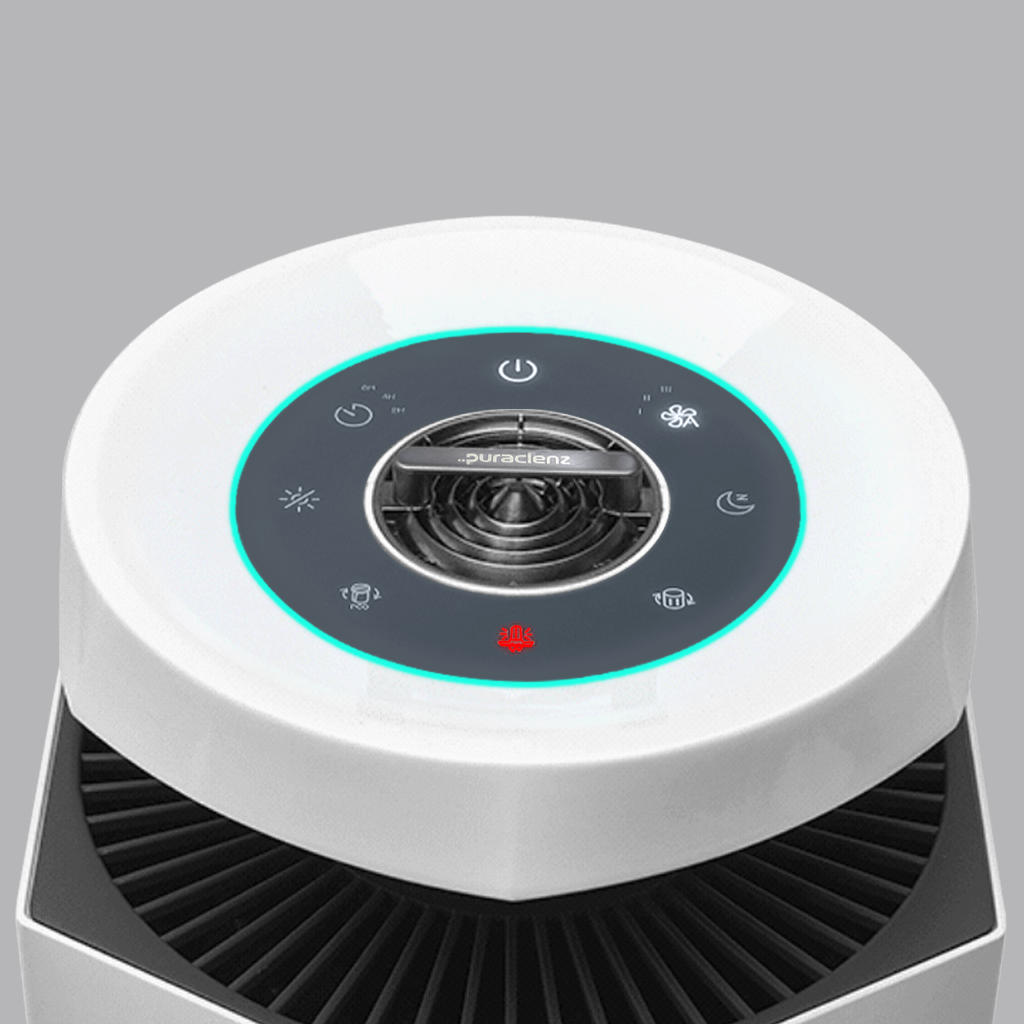
If your unit is two years or older and the red UV lamp icon comes on. It indicates that it is time to replace the UV lamp in the purifier.
First purchase the Core 750 UV Lamp by clicking here.
To Replace the Core 750 UV Lamp, follow the steps below. As an additional reference, watch the video how to replace the Core 750 Lamp.
Disconnect power before doing any work to your purifier unit.
1. Find the lock on the base of the purifier and slide lock mechanism to the left.
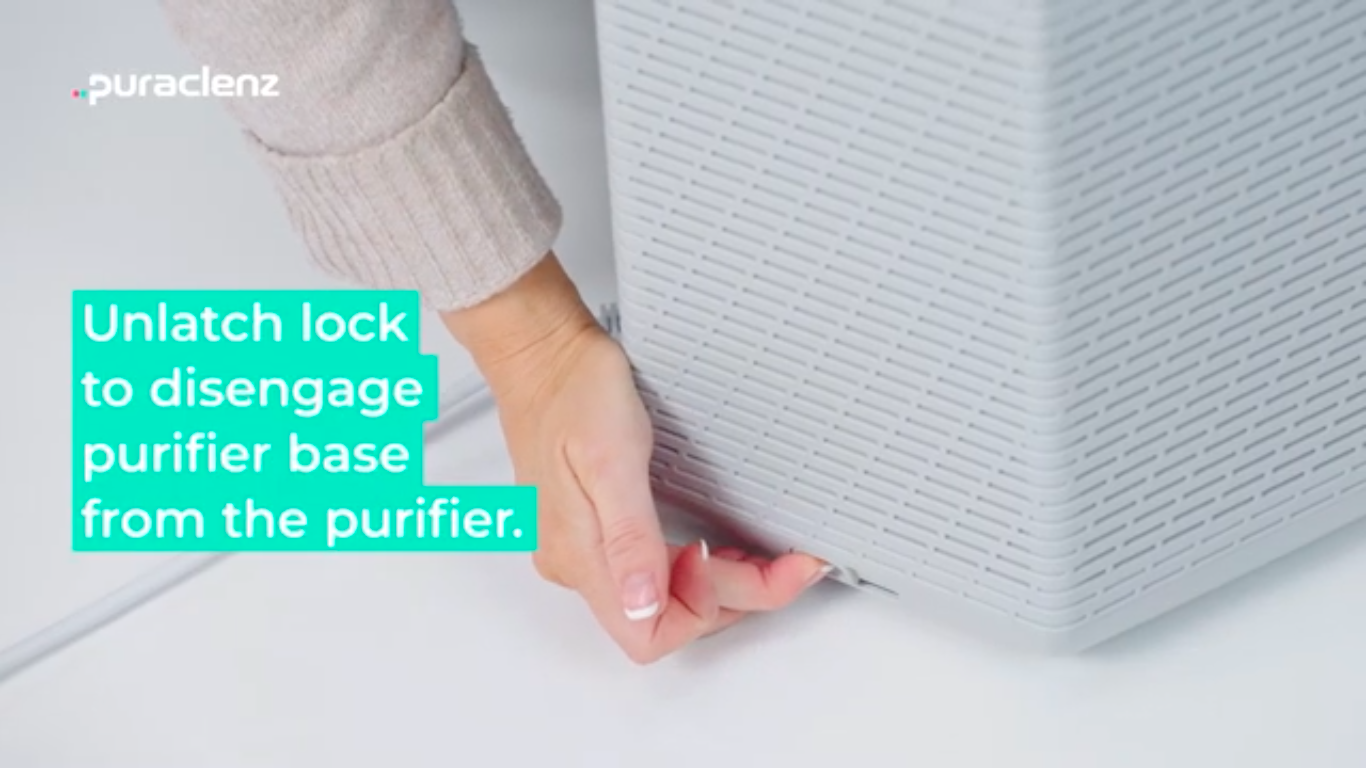
2. Lift up the top of the unit with both hands by the top rim and set it aside.
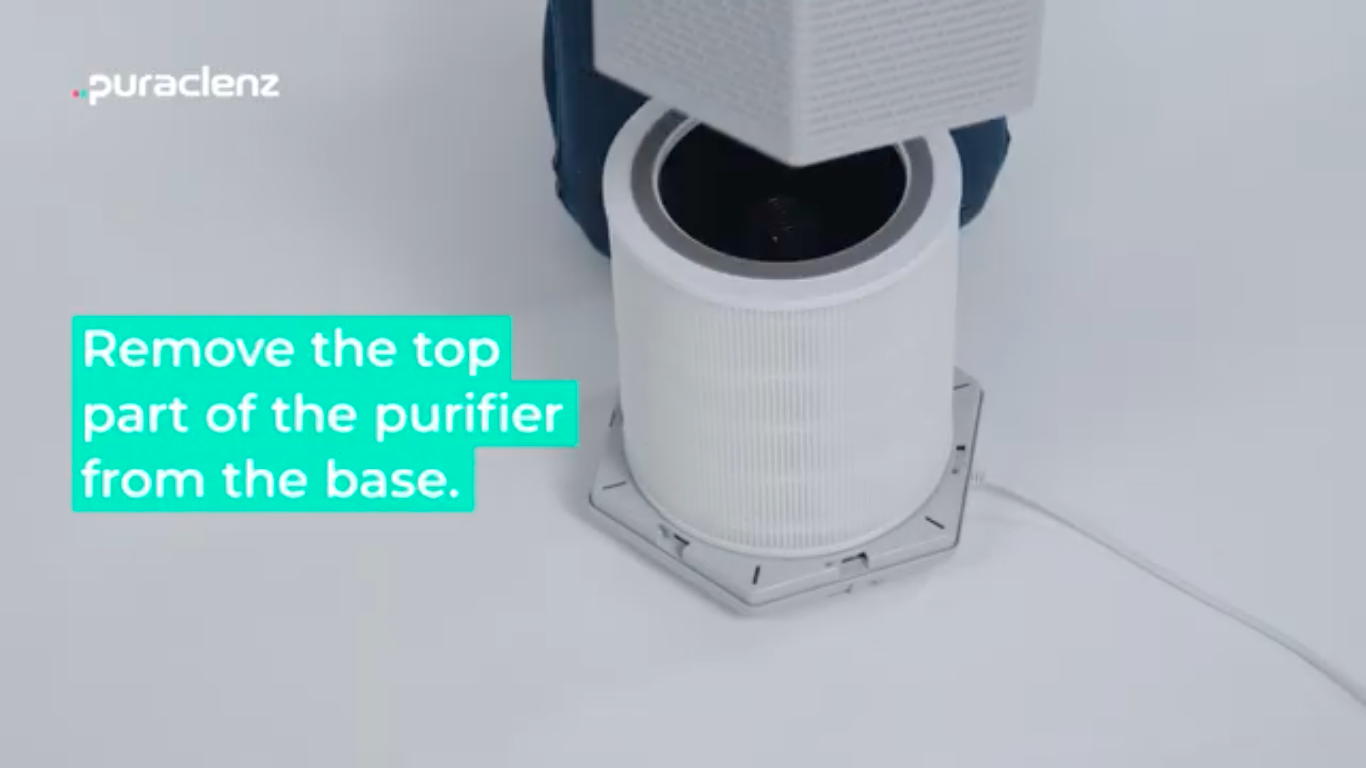
3. Remove the C750 filter and set it aside.
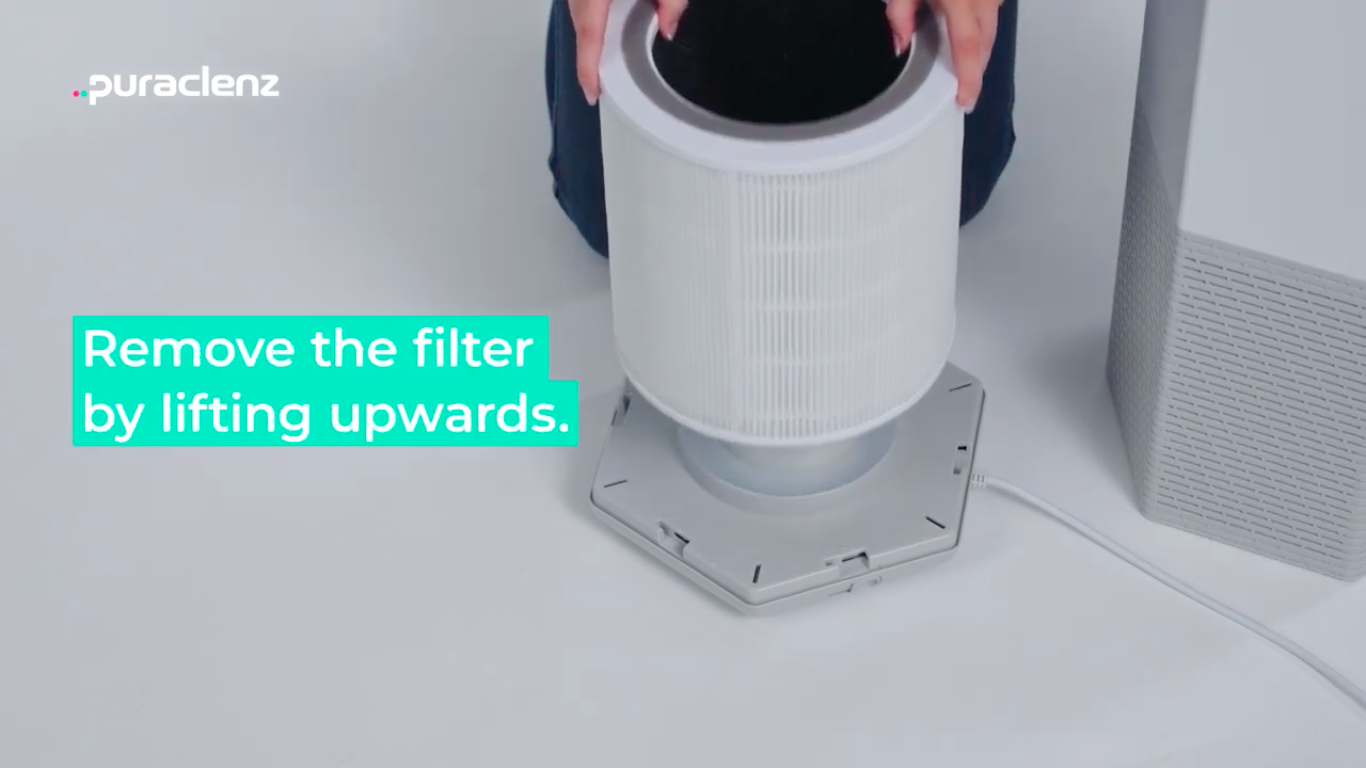
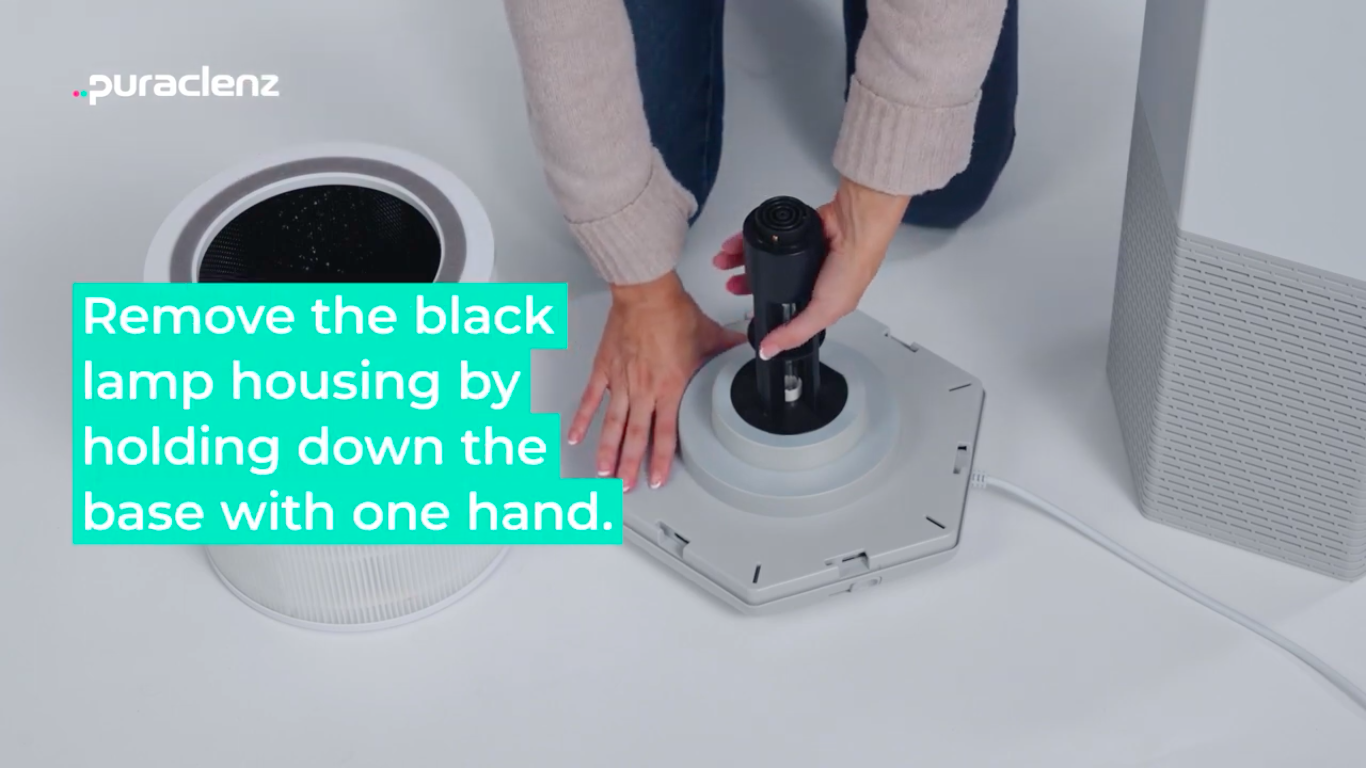
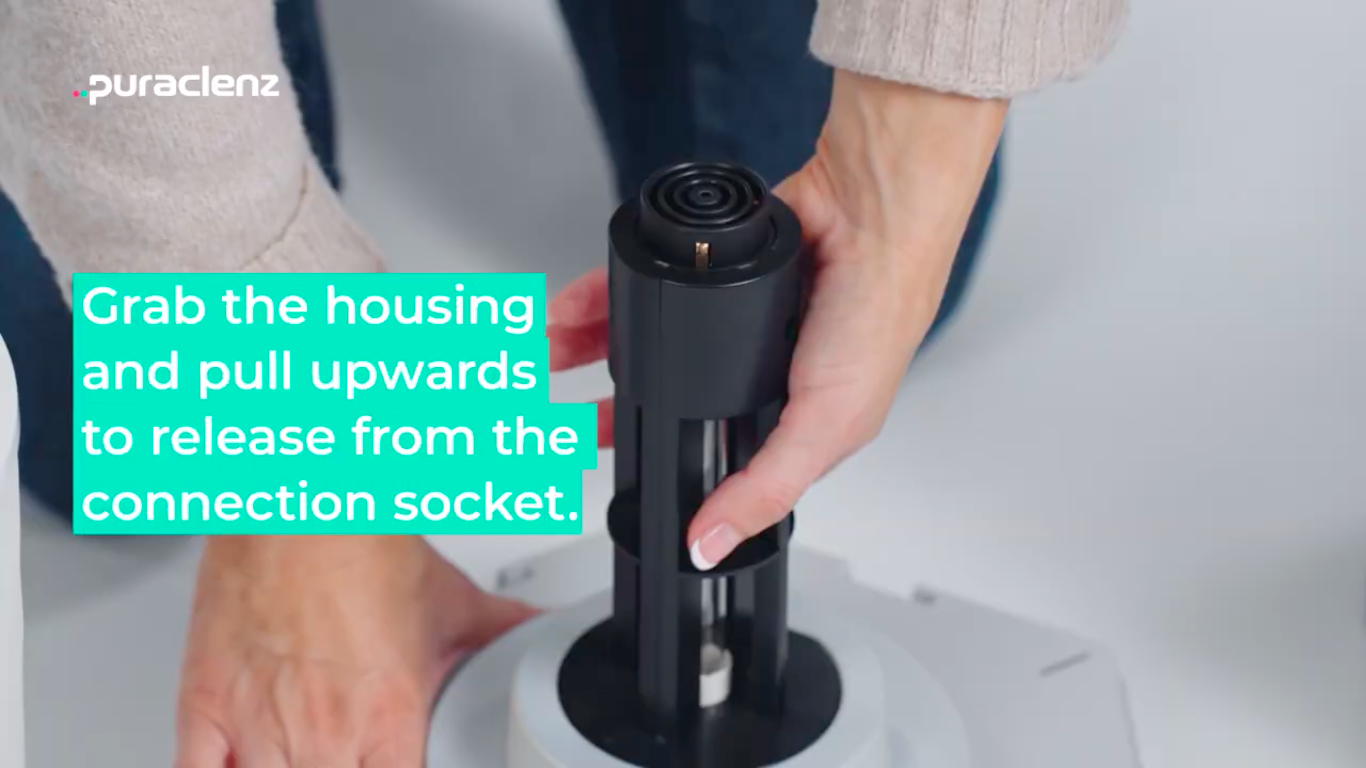
4. Remove the black lamp housing by pulling directly up and then discard.
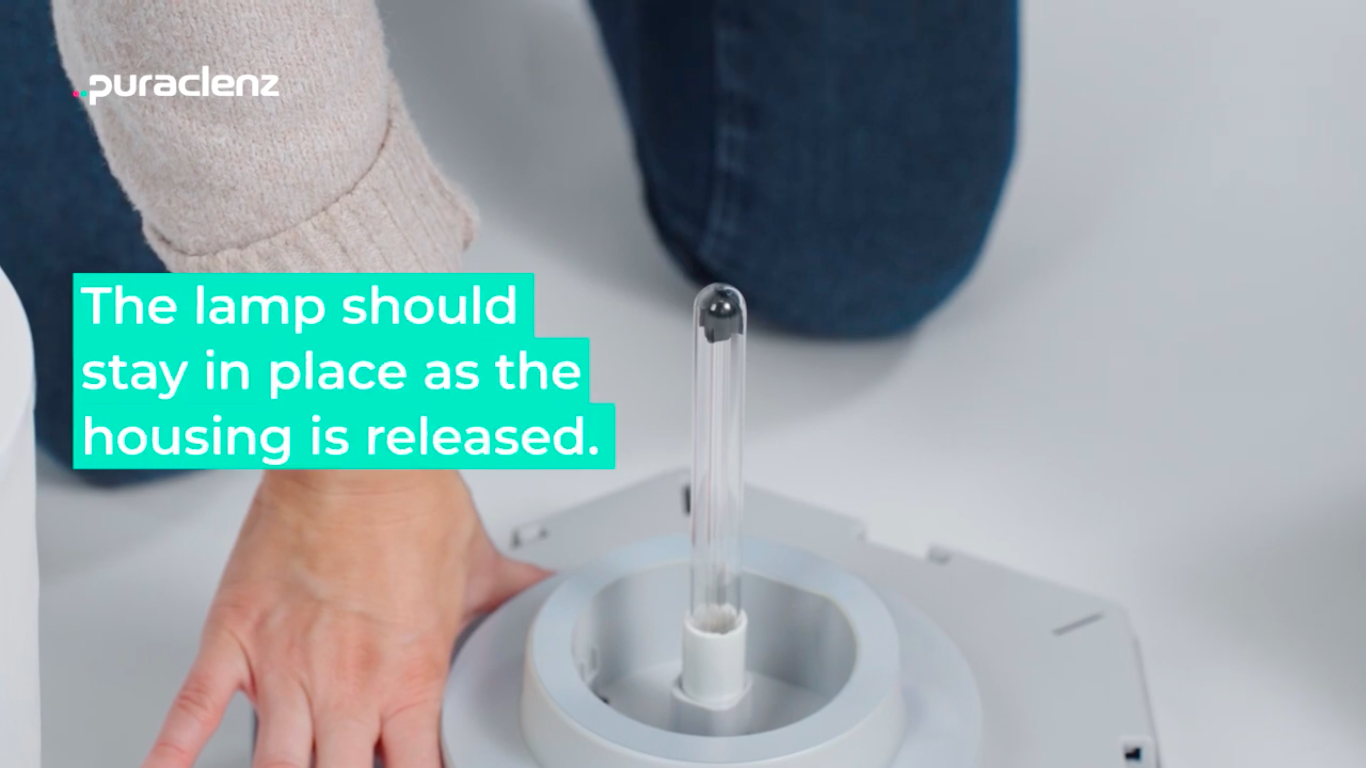 IMPORTANT: If the lamp becomes stuck in the housing, do not try to force the Lamp out. Read the instructions at the bottom of this Article.
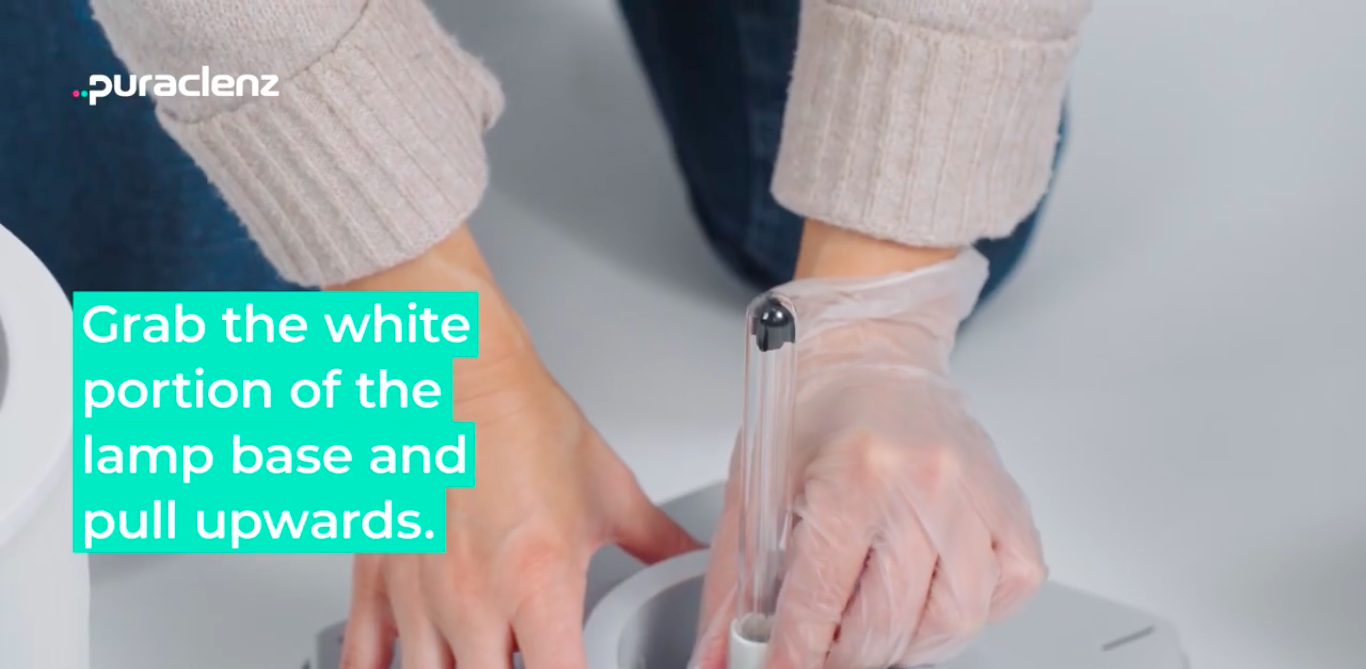
5. Before proceeding, gather a pair of disposable gloves or a soft cloth to remove the old lamp. Allow the lamp to cool for a moment or two if it is warm. Take care to only hold white portion of the Core Lamp. Do not touch the glass tube with bare hands.
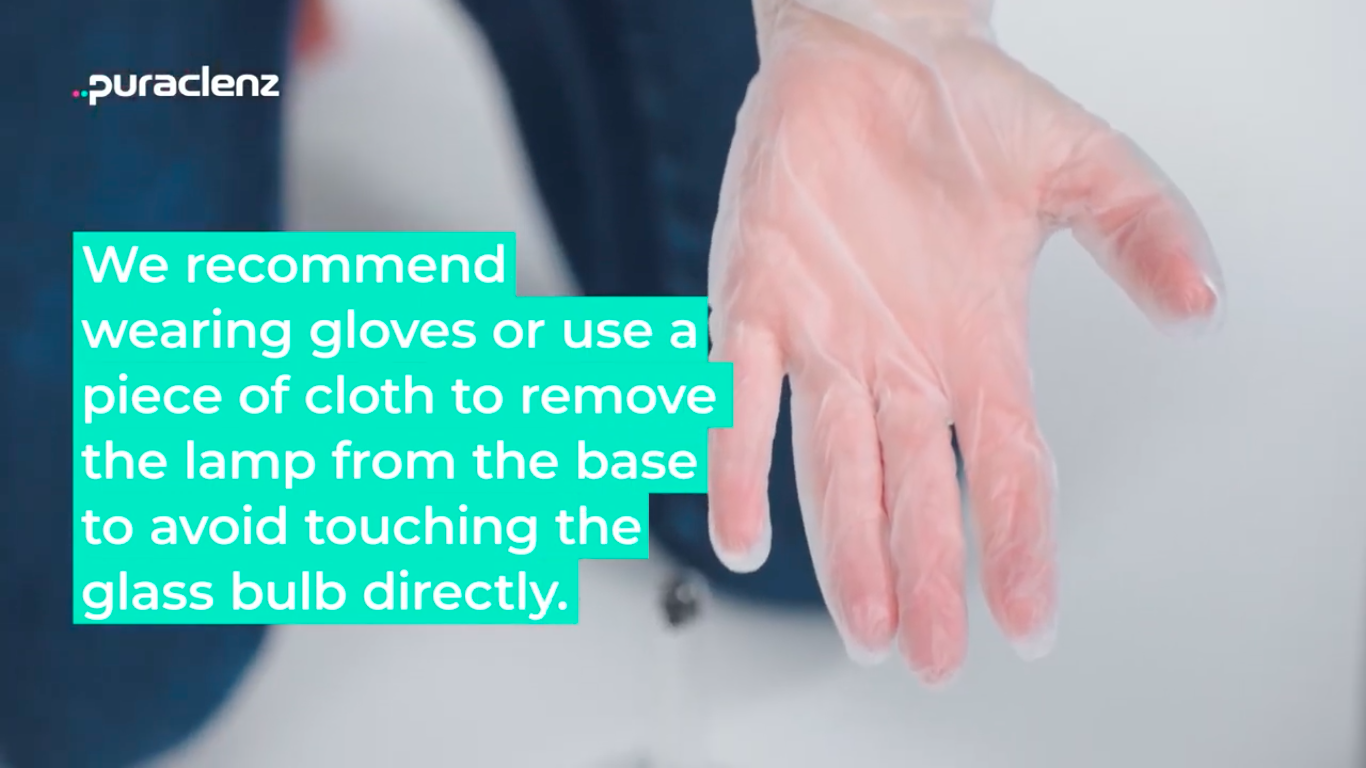
6. Remove old lamp by pulling up on the base of the Core Lamp. Recycle old Core Lamp by following your local municipality guidelines.
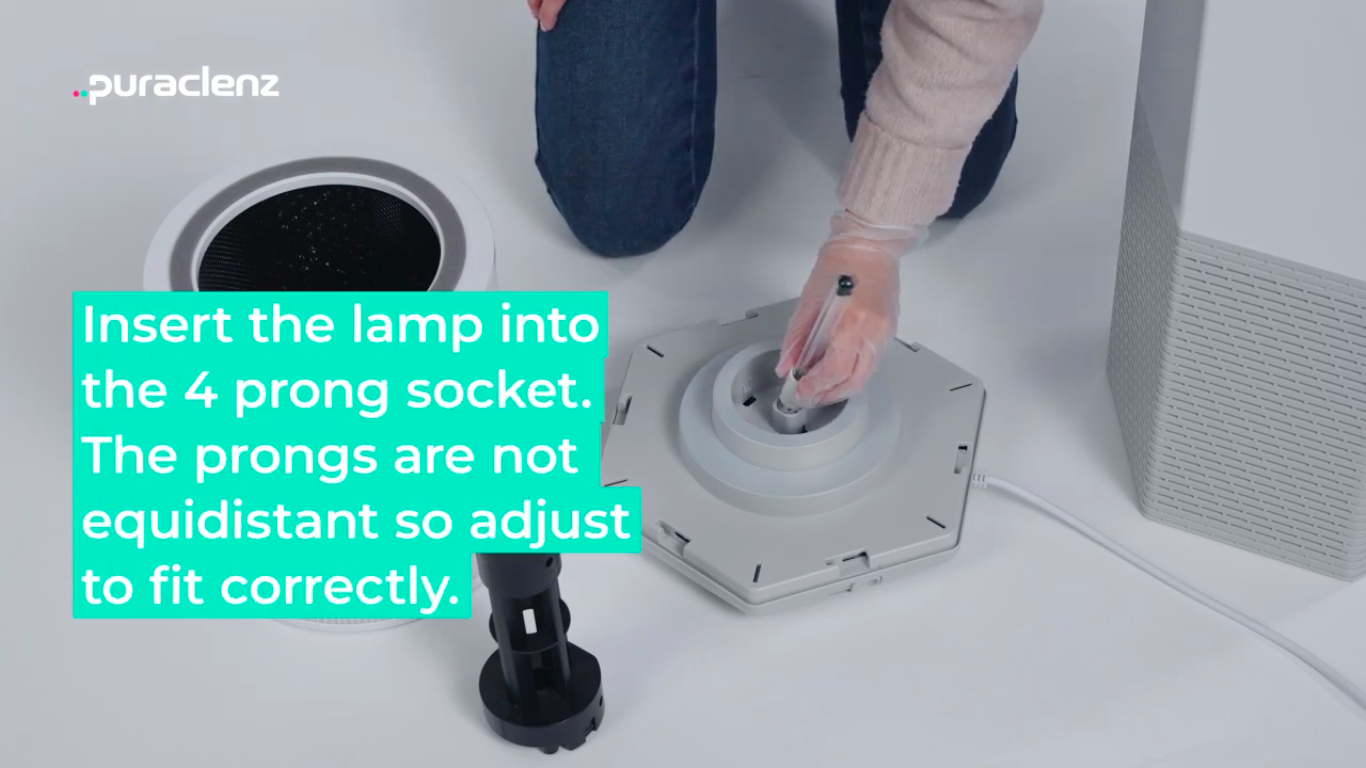
7. Insert the new lamp into the socket by aligning its pins to match the socket. Push down to ensure it is fully seated. Note: The pins are designed to only fit in with the correct orientation. Do not force lamp into socket.
8. Install the new black lamp housing.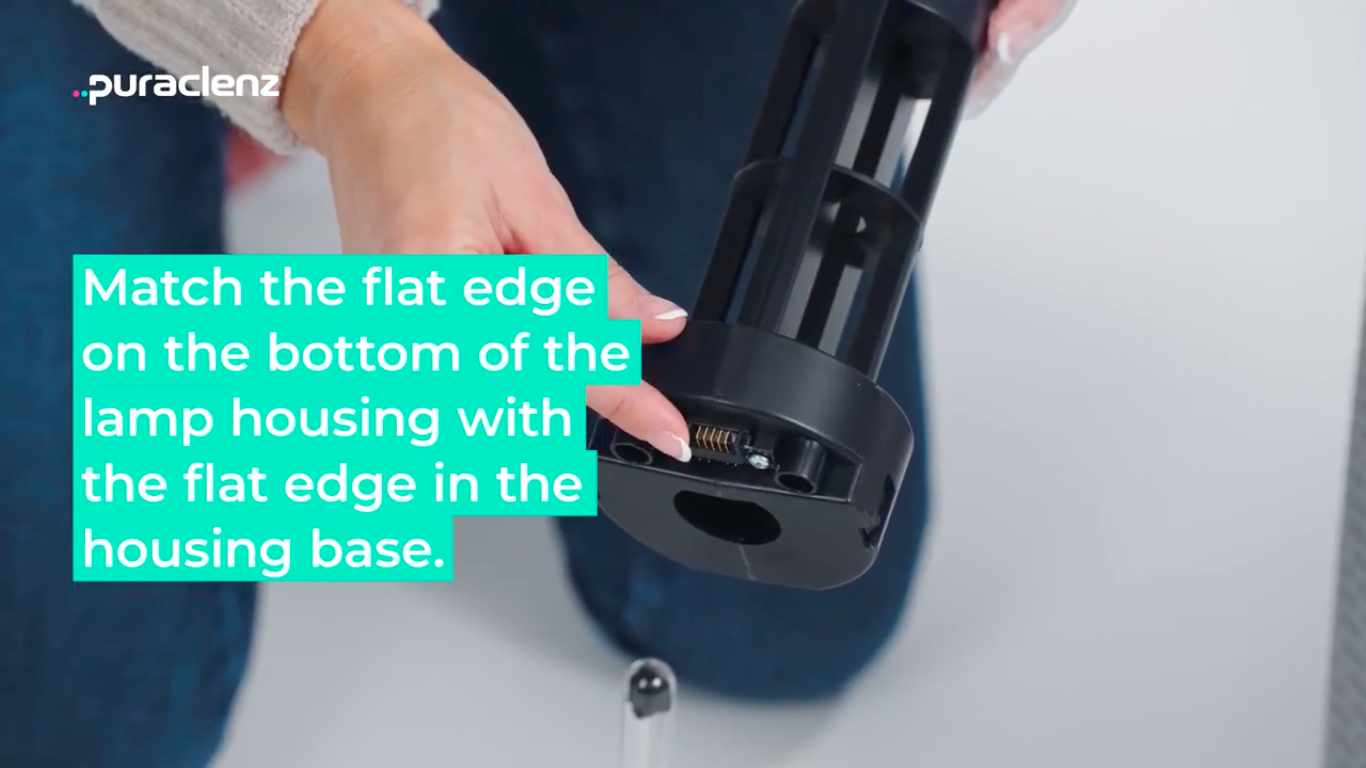
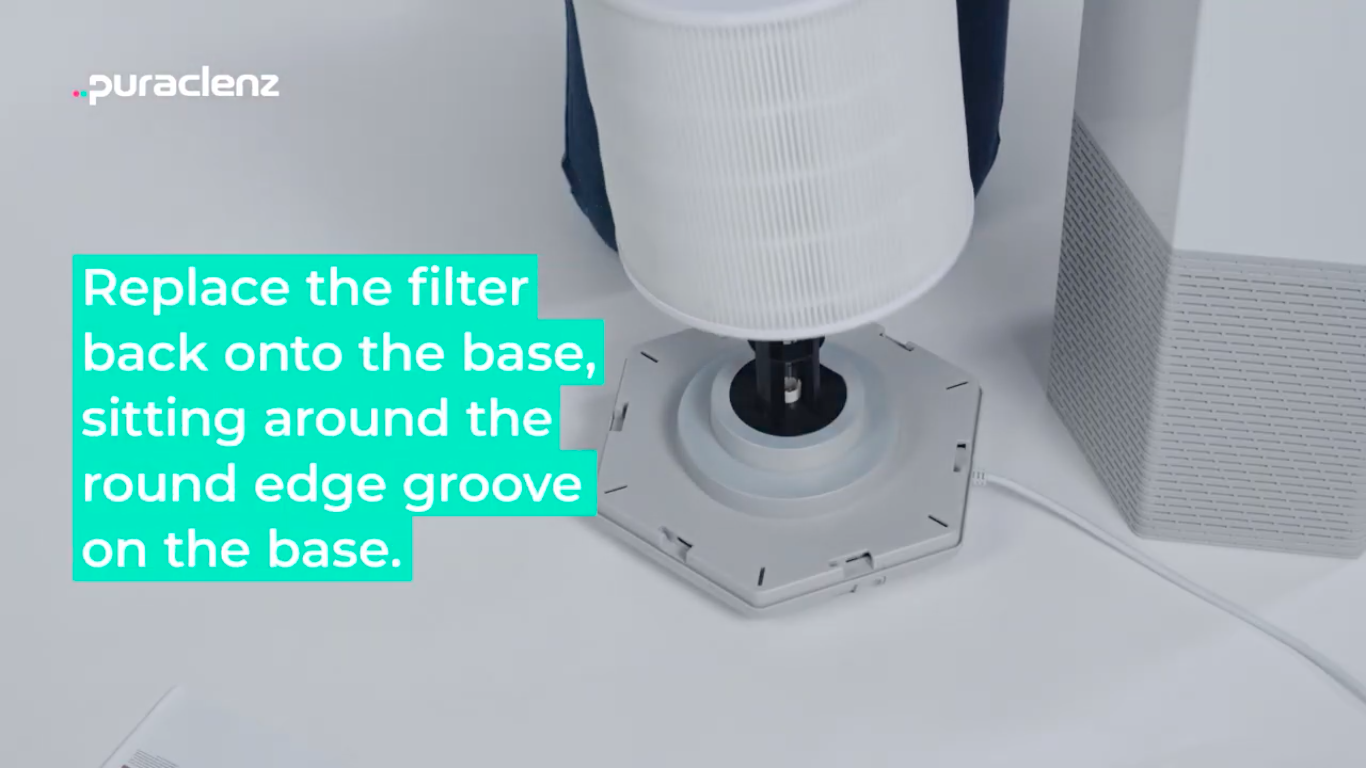
8. Install the Core Filter.
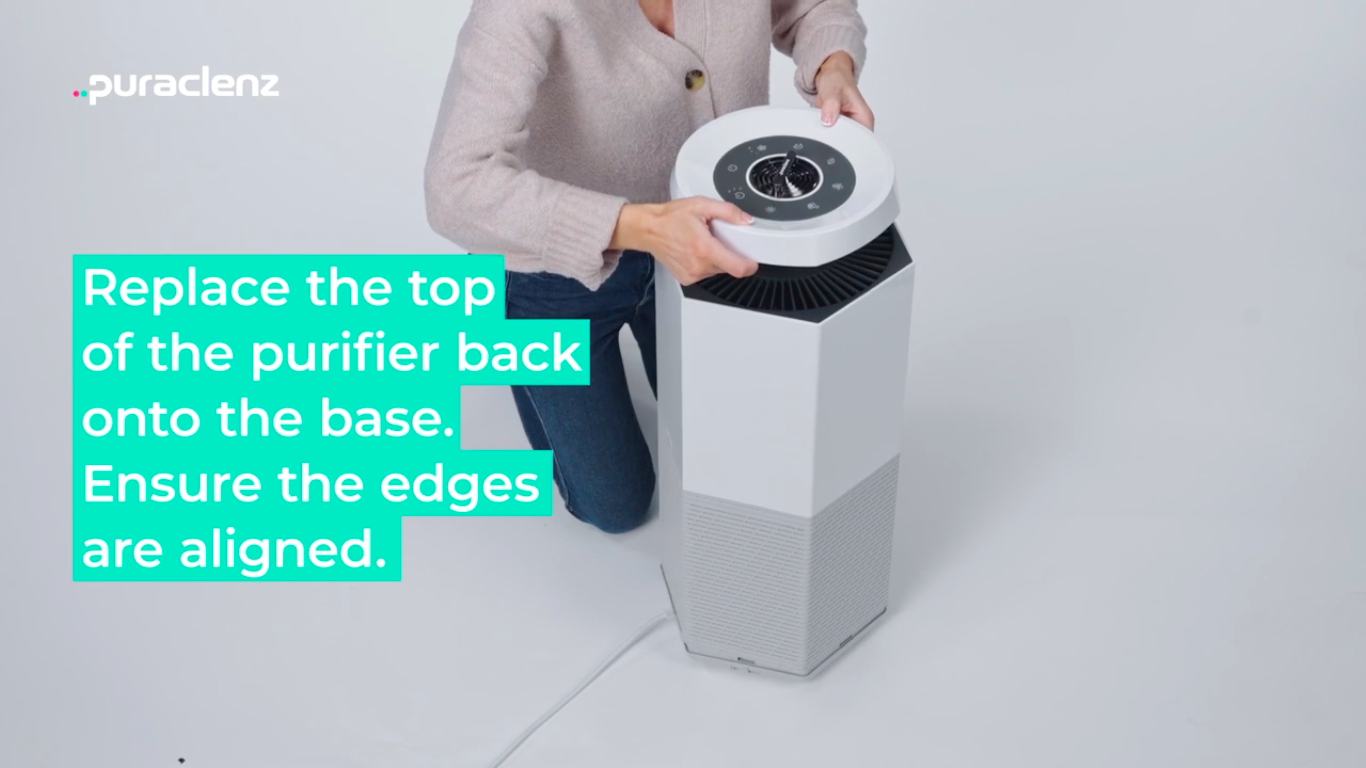
9. Replace the top of the unit and slide the latch to the right to lock.
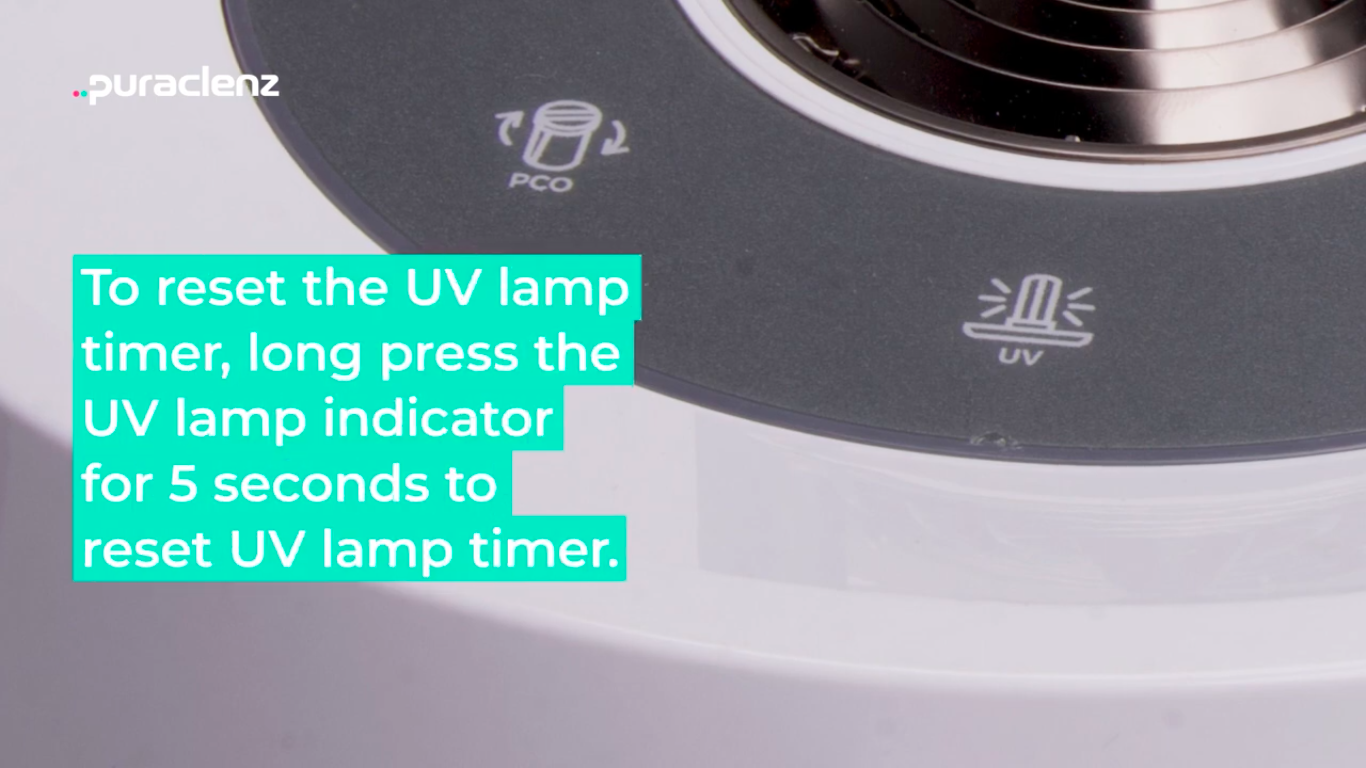
10. Plug unit in and power it back on. Press the UV indicator for 5 to 10 seconds to reset the lamp timer. The red light will turn off to indicate the lamp timer has been reset successfully.
IMPORTANT: If the lamp becomes stuck in the housing, do not try to force the Lamp out. Locate the serial number on the base of the purifier and contact customer service for assistance. The serial number can be found on the white sticker at the bottom of the unit.
Customer Support:
PHONE: 1-833-360-PURA
EMAIL: [email protected]
Helpline hours: 9:00am-5:00pm MST Monday to Friday