.png)
PCO Lamp Icon is Red?Updated 2 months ago
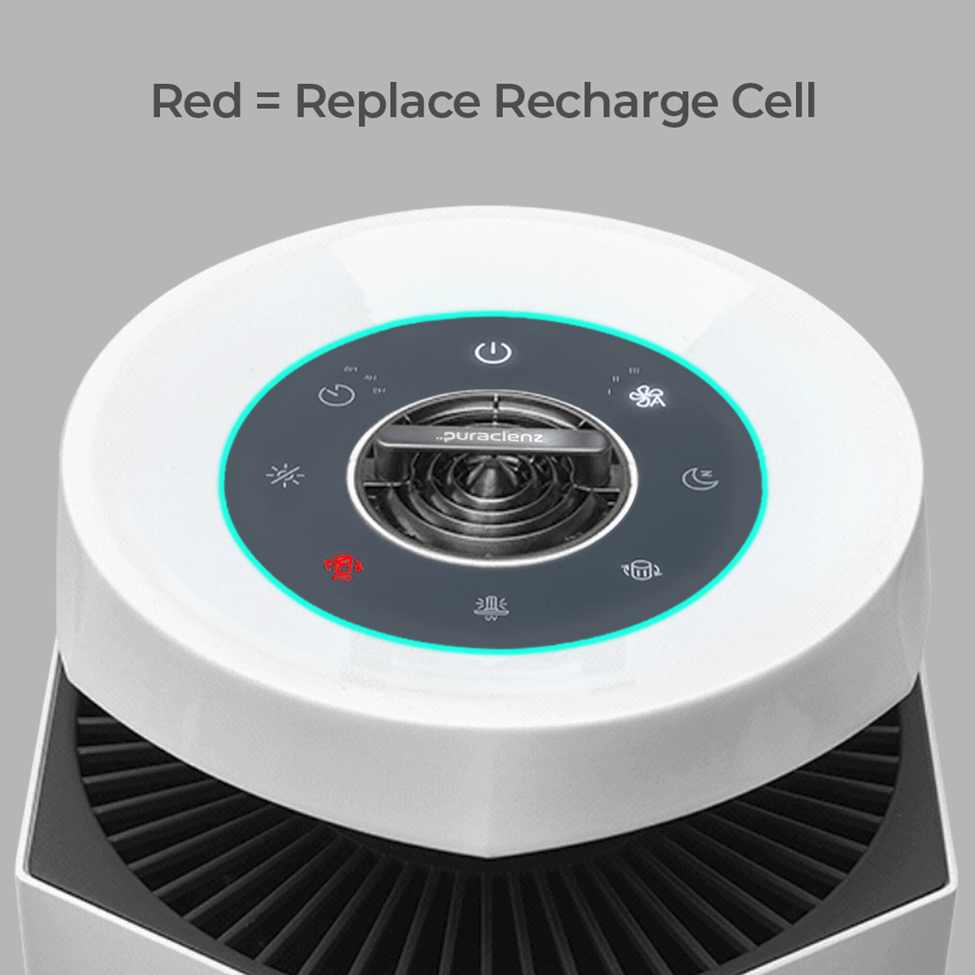
To maintain your Core purifier's performance, it's essential to replace the key components on a regular schedule. Your purifier's indicator lights will notify you when it's time for a replacement. To order a Recharge Cell, Puraclenz Model R0002, click here.
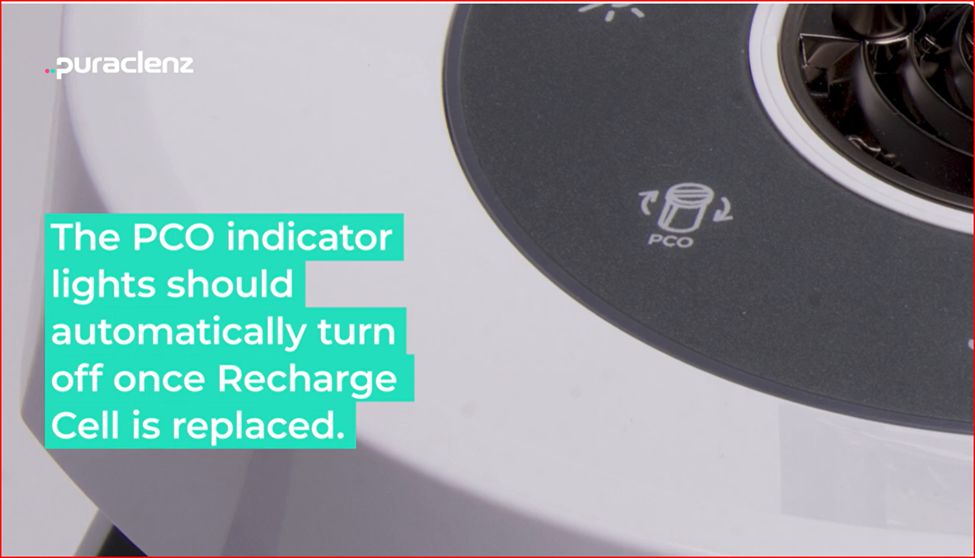
The PCO replacement indicator light should remain off during normal operation. A flashing light means the top cover is not fully engaged. A yellow light means the Recharge Cell needs to be replaced soon, and a red light means it has stopped working and must be replaced.
To replace your Recharge Cell:
1. Turn power off at the unit and the purifier. Note: Always unplug your unit before servicing it.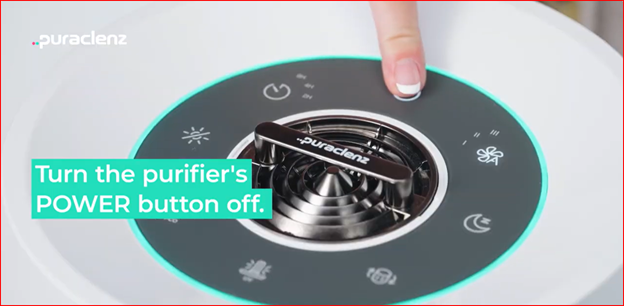
2. Retrieve new Recharge Cell and set aside.

3.Unlatch the top cover. Turn the top cover counterclockwise to remove it.
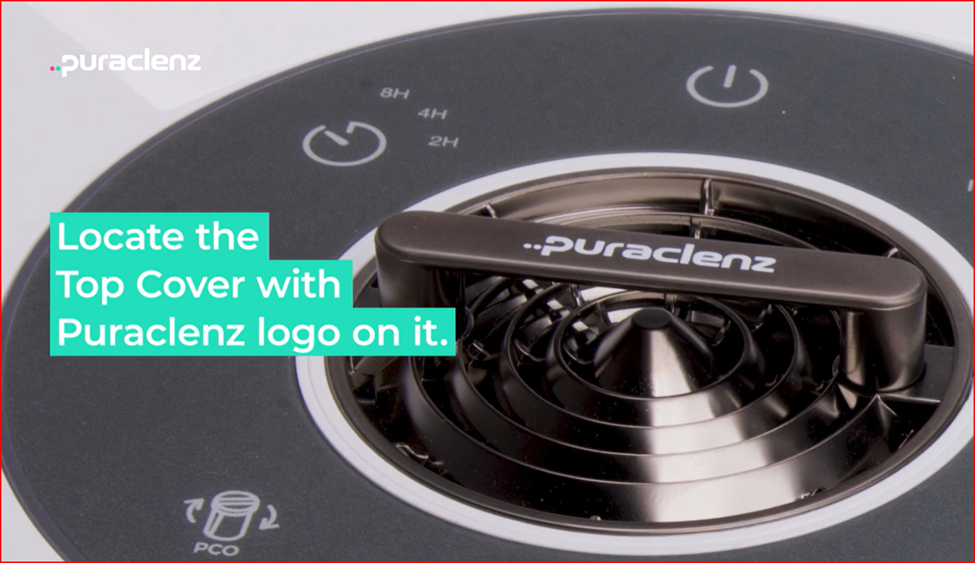
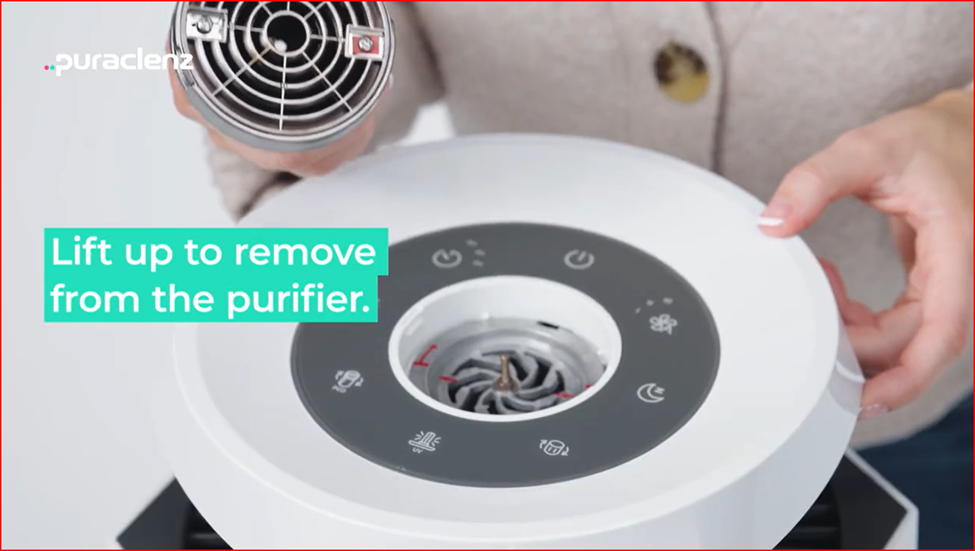
4. Using your fingers or pliers, carefully slide out the old Recharge Cell. Pull all the way up to release the entire cell. Note: Do not twist or turn on removal or cell could be damaged.

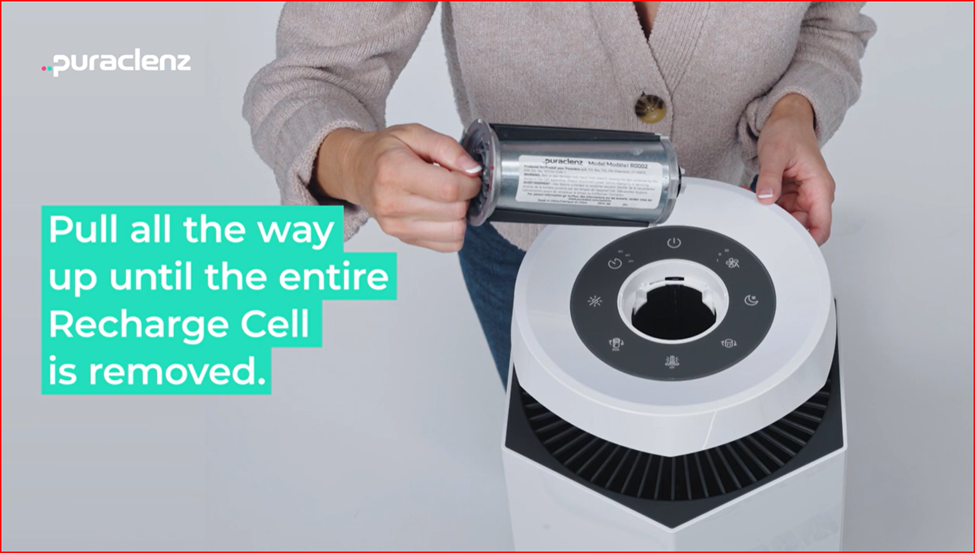

5. Discard old top cover and cell.
6. Remove the new cell and top cover from its packaging. Remove the red plastic protector at the bottom of the cell.


7. Slide the new cell into the purifier by aligning the two vertical grooves on the unit to the corresponding matching channels on the Recharge Cell.
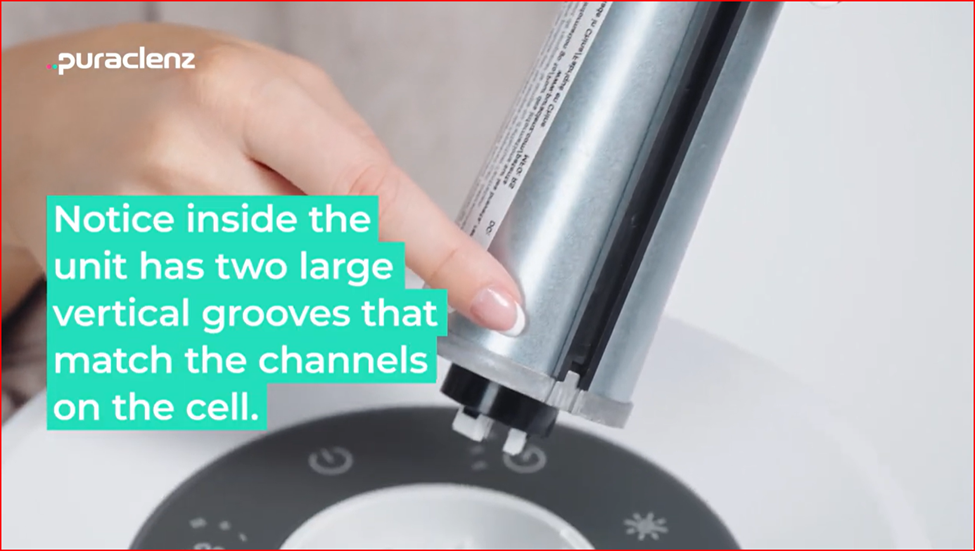

8. Once cell is aligned, push it straight down into the channel.


9. Place the new top cover onto the unit so the logo is parallel with the sleep mode button and the dark mode button. Then twist cover clockwise until you hear an audible click.
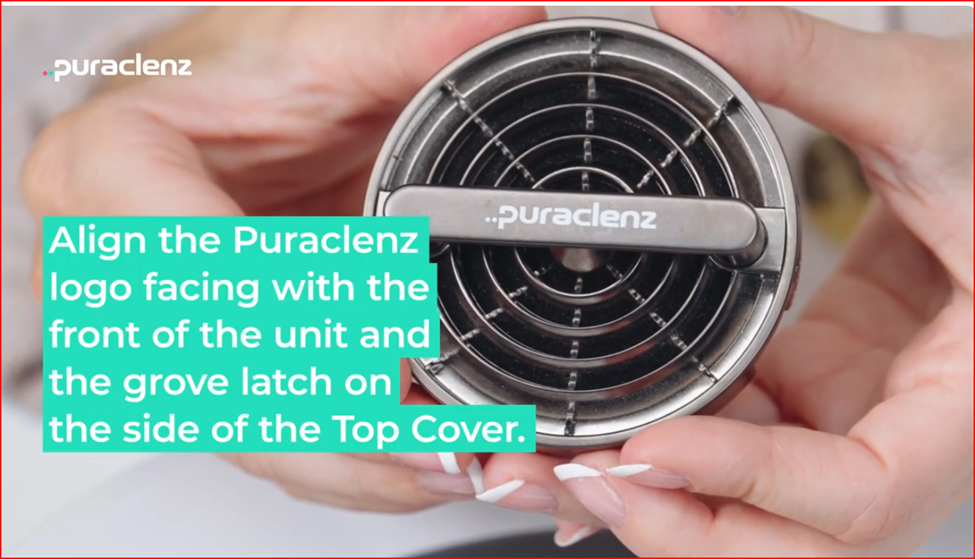


10. Plug unit into power source and turn on purifier. The indicator light will turn off automatically.
For additional resources, click here for a video on “How to Replace the Core 750 Recharge Cell.”