.png)
Flashing Yellow PCO Lamp?Updated 2 months ago
Top Cover Closure Instructions
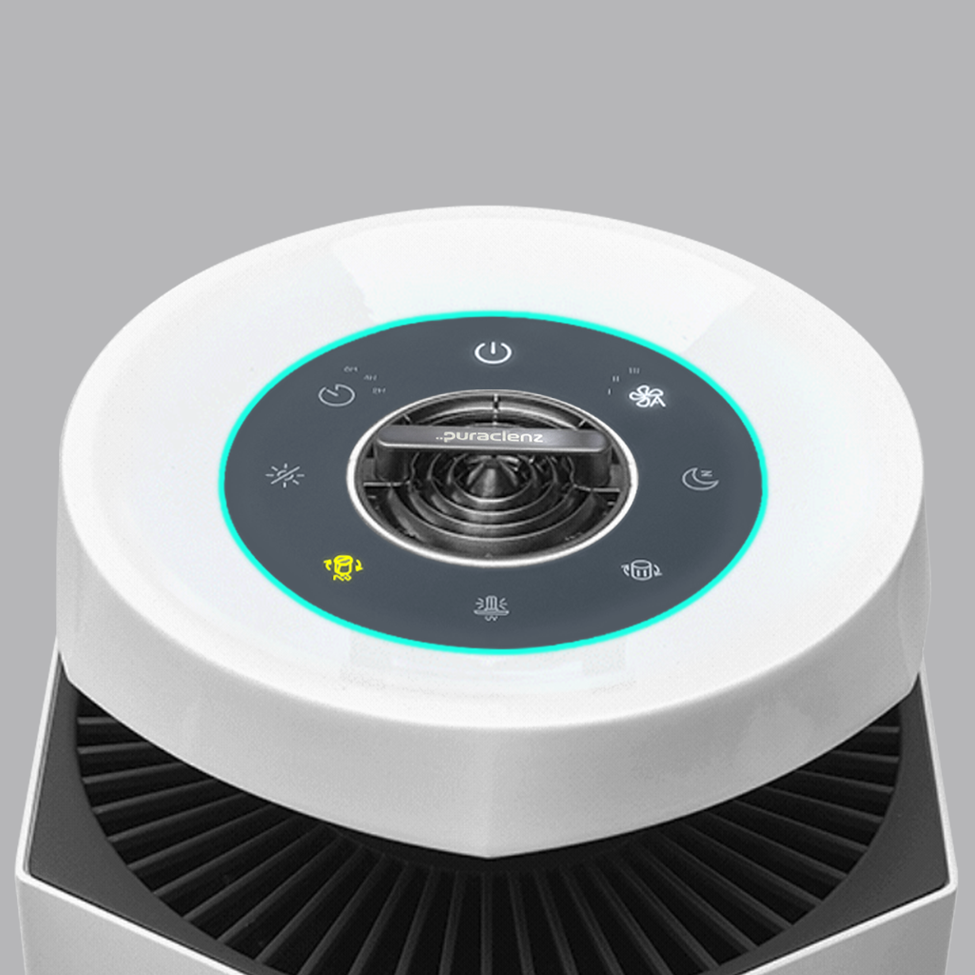
If the top cover is open or not fully engaged, the PCO indicator will flash, and the Core 750 purifier will not operate correctly.
Follow these steps to properly close the top cover:
- Unplug the purifier from the power source.
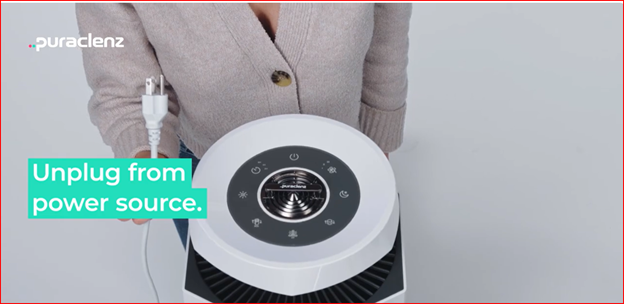
- Position the purifier so the power button is at 12 o’clock when facing the unit. Note: Model is standing behind the purifier to ensure the entire dashboard is viewable.
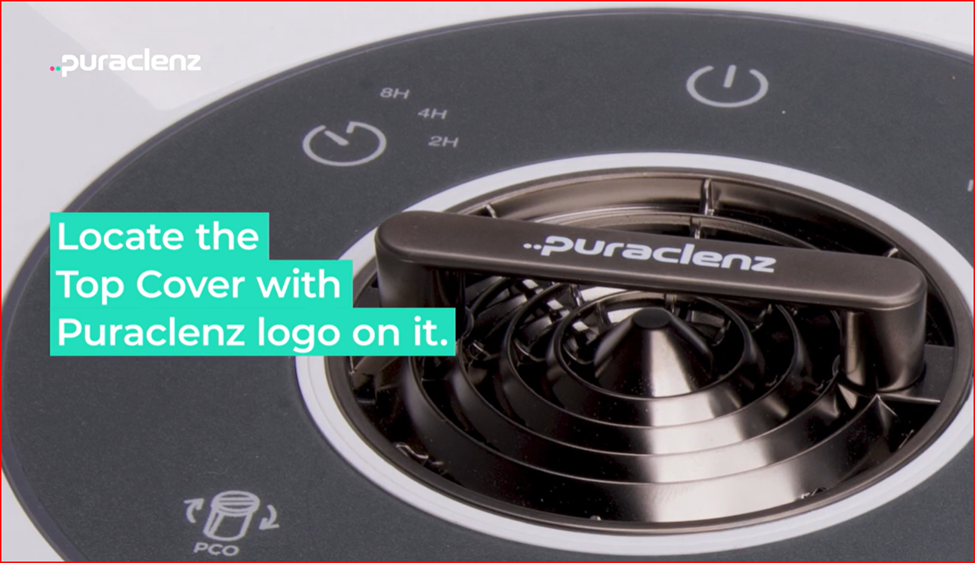
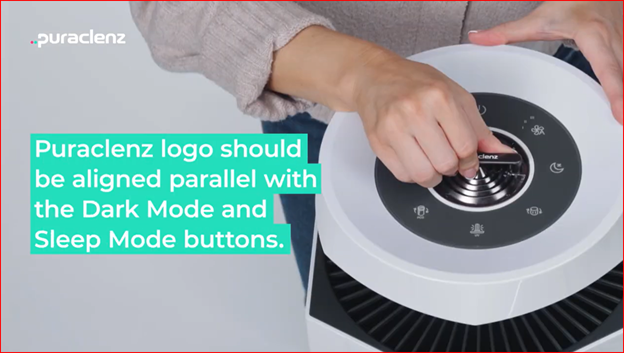
- Locate the brass top cover handle with the Puraclenz logo. The logo should read normally from left to right. If the logo is upside down, rotate the purifier until logo is readable
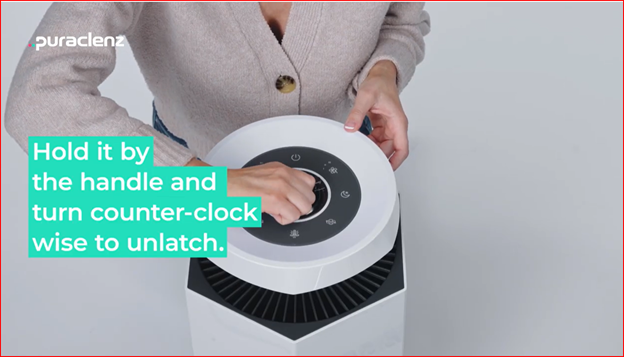
- Turn the top cover counterclockwise to loosen it.
- Now, turn the top cover clockwise until it aligns with the side notches. Continue turning until you hear a click.
- The top cover is fully closed when the Puraclenz logo is parallel with the Sleep and Dark Mode buttons.
- Plug the purifier back in and power it on. The flashing PCO indicator will turn off automatically once the top cover is properly secured.